WITTYZ QR Codes
Use for App Testing
📱 How to Test the App
- Open the WITTYZ app on your iPhone
- Sign in and select a quiz
- Start a game
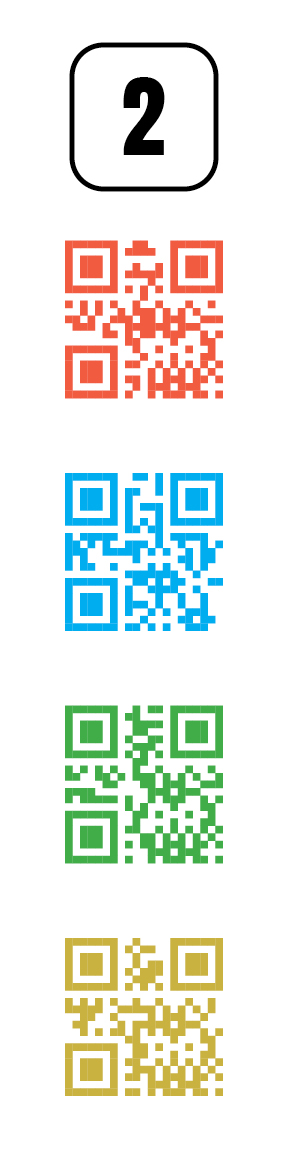
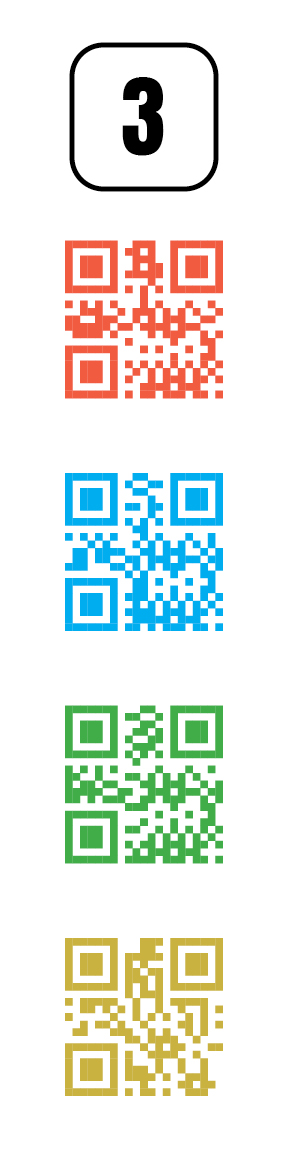
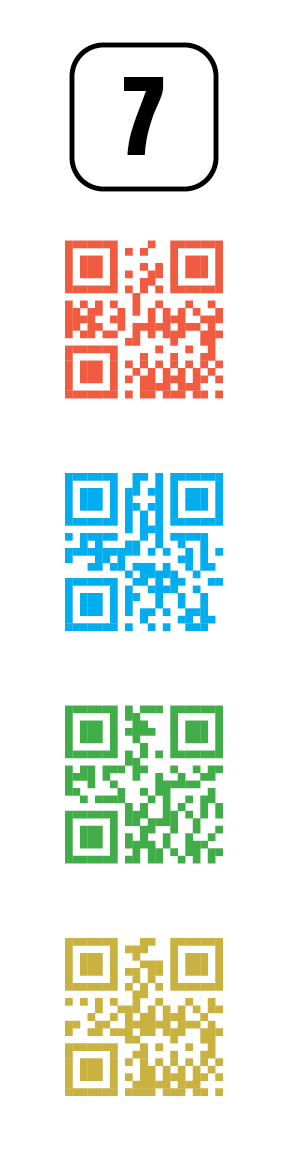
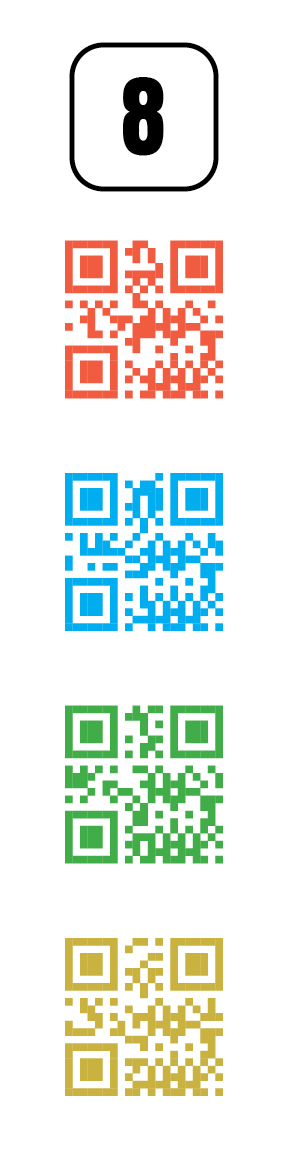
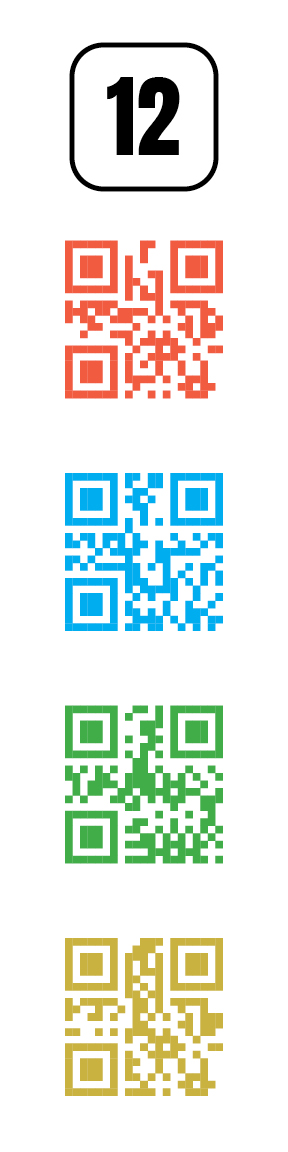
- Display this page on a second screen (computer, tablet, or another phone)
- Select the question number below that matches your current question
- Point your iPhone camera at the colored QR code matching your answer choice
- The app will scan the code and advance to the next question
WITTYZ - Competitive Quiz Race Game